
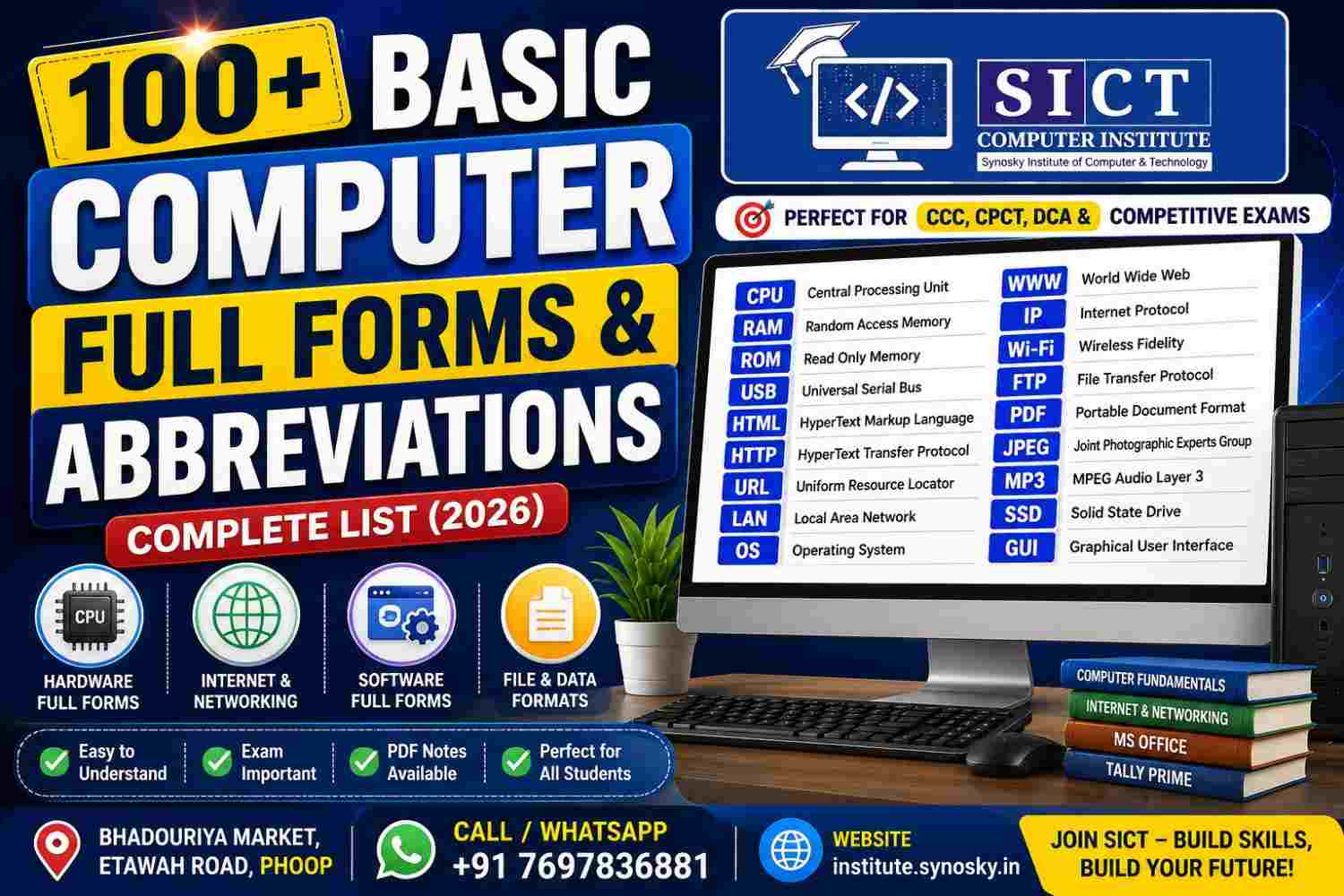
If you’re preparing for CCC, CPCT, DCA, PGDCA, bank exams, SSC, or any competitive exam that tests basic computer knowledge, one topic comes up again and again: Computer Full Forms and Abbreviations. Interviewers, exam papers, and even day-to-day computer work assume you know what CPU, RAM, USB, or HTTP actually stand for.
In this guide, Synosky Institute of Computer Technology (SICT) — Phoop & Gwalior’s trusted computer training centre — brings you a complete, easy-to-remember list of Basic Computer Full Forms and Abbreviations, organized by category so you can revise quickly before your exam.
📞 Confused about which computer course is right for you? Call/WhatsApp us: +91 7697836881
Why Computer Full Forms Matter
Almost every CCC, CPCT, and DCA syllabus in India dedicates a full section to computer terminology and abbreviations. Government job exams (SSC, Railways, Banking, Court Computer Operator posts) frequently ask 3–5 direct questions like “What is the full form of RAM?” or “CPU stands for ___?” Knowing these cold can be the difference between a pass and a re-attempt.
At Synosky Institute, this is one of the very first topics we cover in our Basic Computer with Office Work course — because strong fundamentals make every advanced topic (like MS Excel, Tally, or Web Development) easier to learn.
Hardware-Related Computer Full Forms
| Abbreviation | Full Form |
|---|---|
| CPU | Central Processing Unit |
| RAM | Random Access Memory |
| ROM | Read Only Memory |
| ALU | Arithmetic Logic Unit |
| CU | Control Unit |
| HDD | Hard Disk Drive |
| SSD | Solid State Drive |
| SMPS | Switched Mode Power Supply |
| UPS | Uninterruptible Power Supply |
| VGA | Video Graphics Array |
| USB | Universal Serial Bus |
| BIOS | Basic Input Output System |
| CD | Compact Disc |
| DVD | Digital Versatile Disc |
| PCI | Peripheral Component Interconnect |
| GPU | Graphics Processing Unit |
| LED | Light Emitting Diode |
| LCD | Liquid Crystal Display |
Software & Operating System Full Forms
| Abbreviation | Full Form |
|---|---|
| OS | Operating System |
| GUI | Graphical User Interface |
| CLI | Command Line Interface |
| MS | Microsoft |
| MS-DOS | Microsoft Disk Operating System |
| EXE | Executable File |
| APP | Application |
| SDK | Software Development Kit |
| API | Application Programming Interface |
Internet & Networking Full Forms
| Abbreviation | Full Form |
|---|---|
| WWW | World Wide Web |
| HTTP | HyperText Transfer Protocol |
| HTTPS | HyperText Transfer Protocol Secure |
| URL | Uniform Resource Locator |
| HTML | HyperText Markup Language |
| IP | Internet Protocol |
| ISP | Internet Service Provider |
| LAN | Local Area Network |
| WAN | Wide Area Network |
| MAN | Metropolitan Area Network |
| Wi-Fi | Wireless Fidelity |
| FTP | File Transfer Protocol |
| VPN | Virtual Private Network |
| SMTP | Simple Mail Transfer Protocol |
| DNS | Domain Name System |
| MODEM | Modulator Demodulator |
File & Data Format Full Forms
| Abbreviation | Full Form |
|---|---|
| Portable Document Format | |
| JPEG | Joint Photographic Experts Group |
| PNG | Portable Network Graphics |
| GIF | Graphics Interchange Format |
| MP3 | MPEG Audio Layer 3 |
| MP4 | Moving Picture Experts Group Layer 4 |
| ZIP | Compressed Archive Format (Zone Improvement Plan origin) |
| DOC/DOCX | Document / Document XML (Microsoft Word file) |
| XLS/XLSX | Excel Spreadsheet File |
| CSV | Comma Separated Values |
Memory & Storage Units Full Forms
| Abbreviation | Full Form |
|---|---|
| KB | Kilobyte |
| MB | Megabyte |
| GB | Gigabyte |
| TB | Terabyte |
| PB | Petabyte |
| Bit | Binary Digit |
| Byte | 8 Bits |
Exam-Important Miscellaneous Full Forms
| Abbreviation | Full Form |
|---|---|
| CCC | Course on Computer Concepts |
| CPCT | Computer Proficiency Certification Test |
| DCA | Diploma in Computer Applications |
| PGDCA | Post Graduate Diploma in Computer Applications |
| ATM | Automated Teller Machine |
| PAN | Permanent Account Number |
| AADHAR | (Not an abbreviation — a Unique Identification Number system) |
| Electronic Mail | |
| SIM | Subscriber Identity Module |
| QR Code | Quick Response Code |
💡 Pro Tip for Exam Preparation
Don’t just memorize the table — understand the context. For example, once you know RAM (Random Access Memory) is temporary and volatile, questions like “Which memory loses data when power is off?” become instantly easy. This is exactly the teaching style we follow at Synosky Institute, where every topic is explained practically, not just theoretically.
🎯 Already know your full forms? Level up with real office skills. Read our detailed guide: How to Master MS Excel — Formulas That Work in Every Version (2007–2021)
Learn Basic Computer Skills the Right Way — At Synosky Institute
Full forms are just the beginning. At Synosky Institute of Computer Technology, Phoop’s most trusted computer training centre, we teach:
✅ Computer Fundamentals & Hardware ✅ Typing (Hindi & English) ✅ MS Office & Internet Browsing ✅ CCC, CPCT, DCA & PGDCA (University Certified) ✅ Tally Prime, Web Development, Graphic Designing, Digital Marketing & Coding
Our Basic Computer with Office Work course is a 6-month, institute-certified program open to anyone who has passed 5th standard — perfect for building the exact fundamentals covered in this article.
🎓 Join Synosky Institute Today
| Contact Method | Details |
|---|---|
| ☎️ Call / WhatsApp | +91 7697836881 |
| 📍 Address | Bhadouriya Market, Etawah Road, Phoop |
| 🌐 Website | institute.synosky.in |
| 📚 Courses | View All Courses |
Frequently Asked Questions (FAQ)
Q1. What are the most important computer full forms for CCC/CPCT exams? CPU, RAM, ROM, USB, LAN, WAN, HTML, HTTP, URL, and WWW are asked most frequently across CCC, CPCT, and government exams.
Q2. Is knowing full forms enough to pass CPCT or CCC? No — full forms are just one section. You also need typing speed, MS Office practical skills, and internet basics, all covered in Synosky Institute’s structured courses.
Q3. Where can I join a Basic Computer course near Phoop or Gwalior? Synosky Institute of Computer Technology, located at Bhadouriya Market, Etawah Road, Phoop, offers institute-certified Basic Computer, DCA, PGDCA, and CPCT courses. Call +91 7697836881 for admission details.
Q4. Do you provide notes/PDFs for computer full forms and other topics? Yes, Synosky Institute students get printed notes, PDFs, and smart camera classes as part of every course.
Q5. What is the duration of the Basic Computer course at Synosky Institute? It’s a 6-month course covering Computer Fundamentals, Typing, Office Work (MS Office & Browsing), and Hardware — open to any 5th-pass student.
Final Thoughts
Mastering Basic Computer Full Forms and Abbreviations is a small step that makes a big difference — for exams, interviews, and everyday computer confidence. Bookmark this list for quick revision, and when you’re ready to go beyond theory into real, practical computer skills, Synosky Institute is right here for you.
📞 Start Your Computer Learning Journey
Call / WhatsApp: +91 7697836881 Address: Bhadouriya Market, Etawah Road, Phoop Website: https://institute.synosky.in Courses: https://institute.synosky.in/courses/